Inside Rhino.
Sole-focused tools added to your existing design workspace.
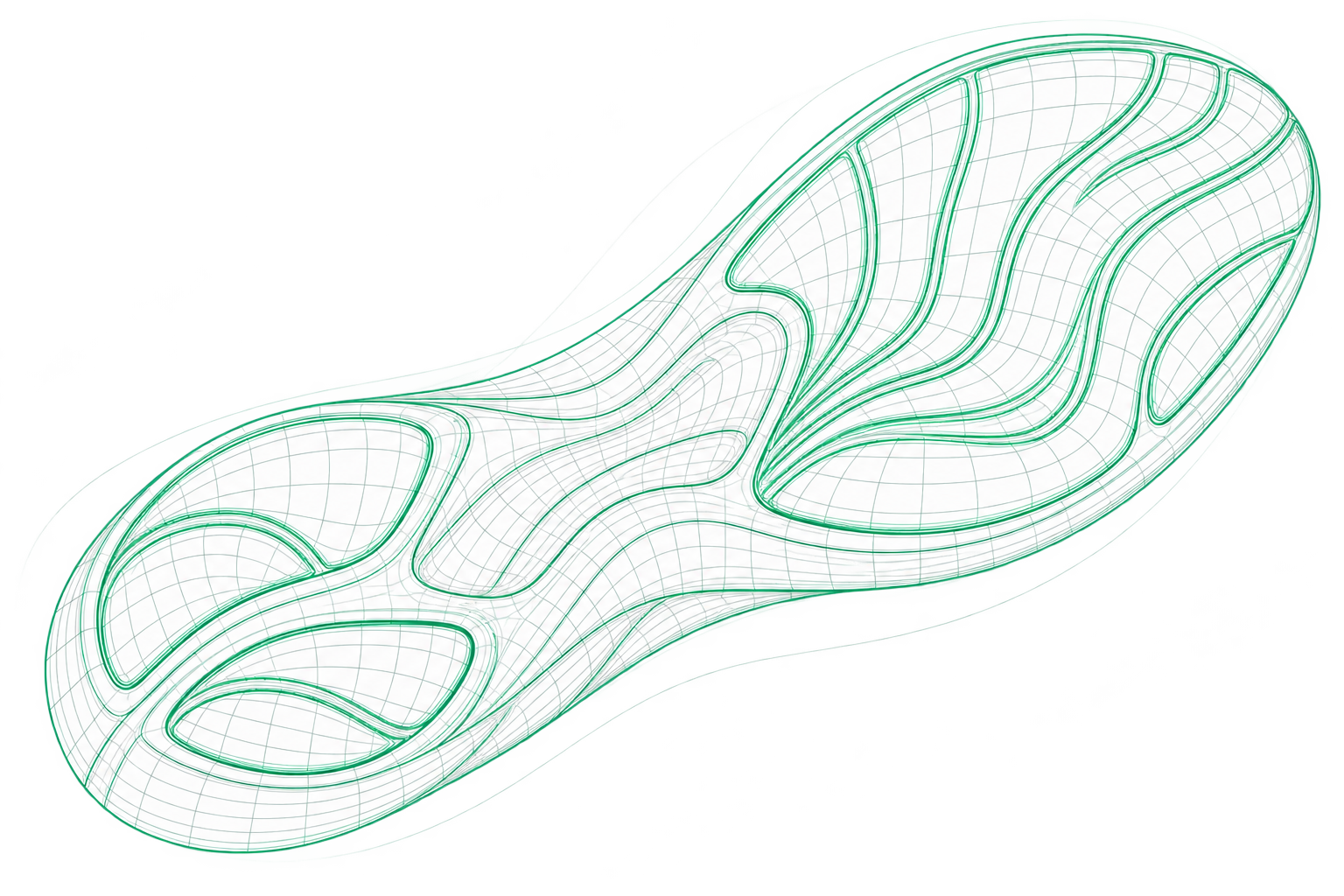
01 / THE FIRST LINE
A sole’s character starts with the first line. Build the foundation of your design with curves and surfaces.
Explore textures01 / JUSTYAE FOR RHINOCEROS
JUSTYAE is a design plugin that works inside Rhinoceros.
Bring footwear sole design, surface shaping and texture wrapping tools into your Rhino workspace. Develop your designs in the environment you already know.
Let’s explore the plugin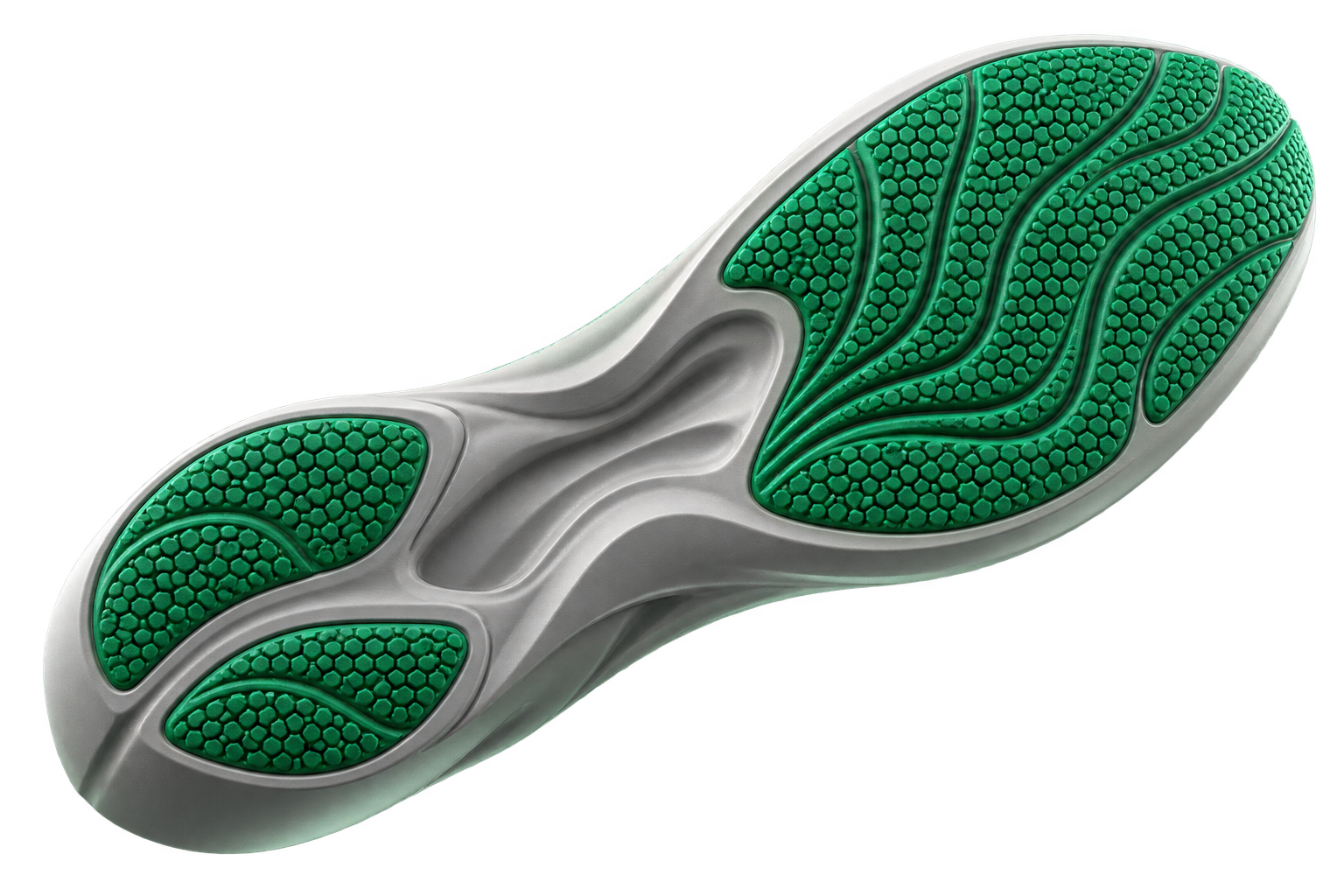
One workspace. More ways to create.
Sole-focused tools added to your existing design workspace.
Develop the form and details of your sole, from curves to surfaces.
Wrap patterns onto selected surfaces and give your design its character.
02 / TEXTURE STUDIO
Change the language of the surface.
Choose a texture. Explore the difference.
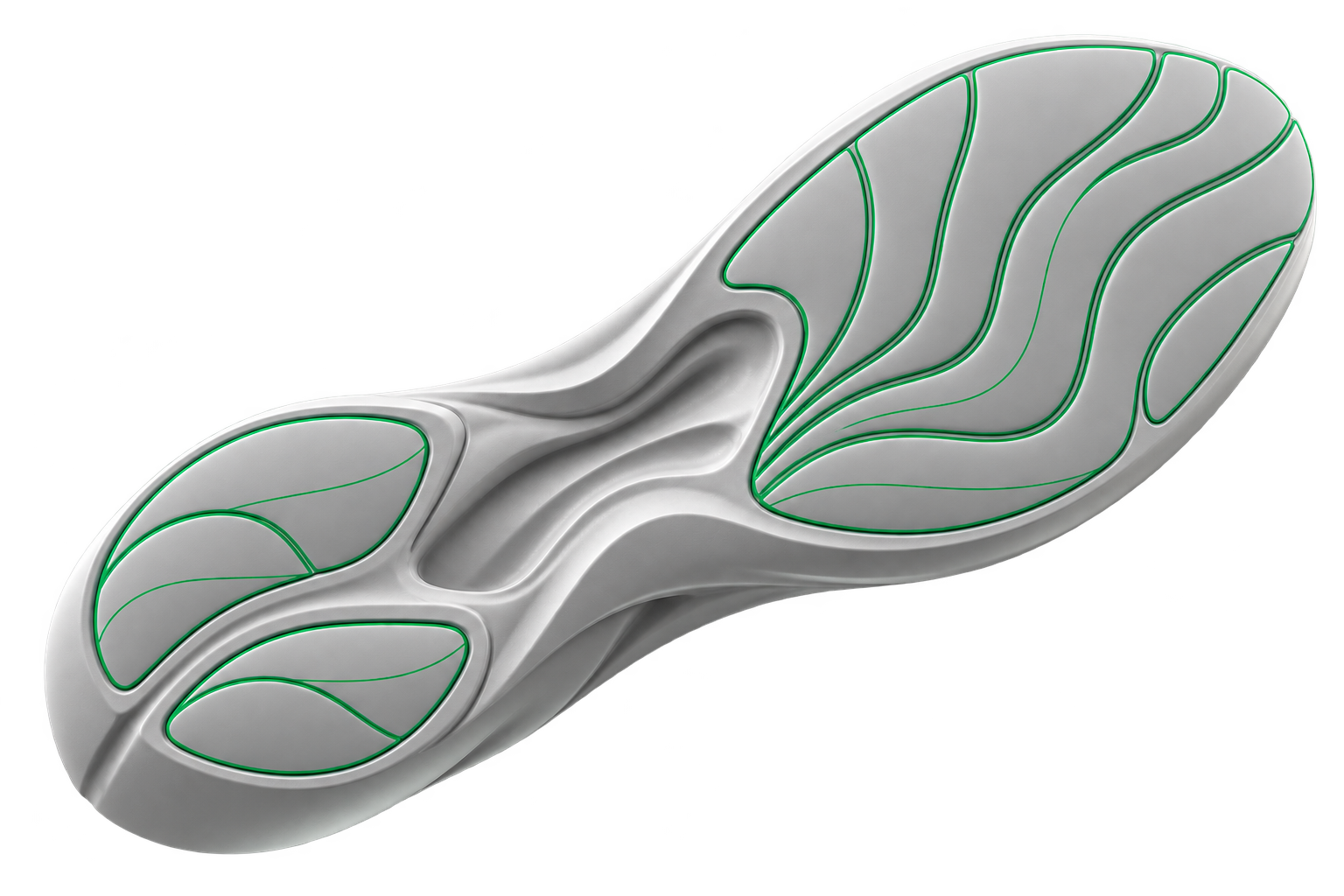
Images are concept studies illustrating texture wrapping.
03 / SELECTED DESIGN TOOLS
From line to surface, texture to final form.
A curated selection of tools
that fit naturally into your design workflow.

SURFACE CHARACTER

EXPLORE THE FORM

TRANSFORM DETAIL

FOLLOW THE FORM

START WITH A LINE

SCALE YOUR DESIGN

SHAPE THE LINE

FIND YOUR RHYTHM

REFINE THE FORM

DEFINE THE BOUNDARIES

DESIGN THE FLOW

THE NEXT STEP
One creative flow.Inside Rhino. Alongside your design.
04 / WORKFLOW
Start with your sole design in your Rhino workspace.
Choose the right curve, surface or morph tool for your design.
Wrap your patterns onto the surface and give your sole its character.
LET’S DESIGN TOGETHER
Get in touch to learn about justyae, request a demo or tell us about your project.
GET IN TOUCHjustyaeplugin@gmail.com ↗From line to character.Footwear sole design tools for Rhino.